
Recently, in our project, the client is using Visual Studio 2010 Shell Edition SQL Data Tools to create/update SSIS packages.
However, the Team Explorer is not displayed in the menu. However, the installation is not straight forward thus I decided to create a blog post on the steps we took to make the Team Explorer available in VS2010 IDE.
Visual Studio 2010 Shell version
Please note that this procedure is tested on the version below.

Team Explorer 2010 Download
Unfortunately, the Microsoft Visual Studio Team Explorer 2010 is not available for download in Microsoft site.
I’m referring to this link.
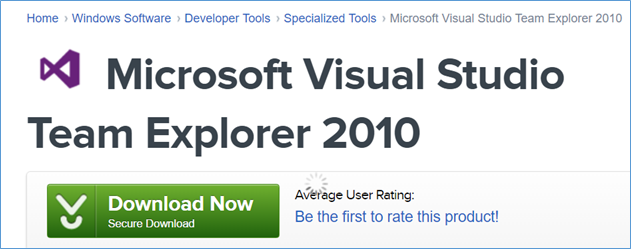
Good thing CNET is hosting this app available for download in this link.
Error
I’ve encountered two error.
Team Foundation services are not available or HTTP Code 203: Non-Authoritative Information
Even though I have a confirmed TFS, I’m still unable to connect/create a new connection.
By downloading and installing this patch, it resolves the issue.

Compatibility with Service Pack 1
Once you open Visual Studio, after resolving the 1st issue, it will prompt you with compatibility with SP1.
Just click the link to download upgrade. This will upgrade the tools to Service Pack 1.
Once finished you should be able to connect, get-latest of the code, in online TFS.

 Power Platform Iter
Leave a comment