
Category: Dynamics 365
-
Accelerating Data Entry with Copilot Form-Fill Assistance in Model-Driven Apps
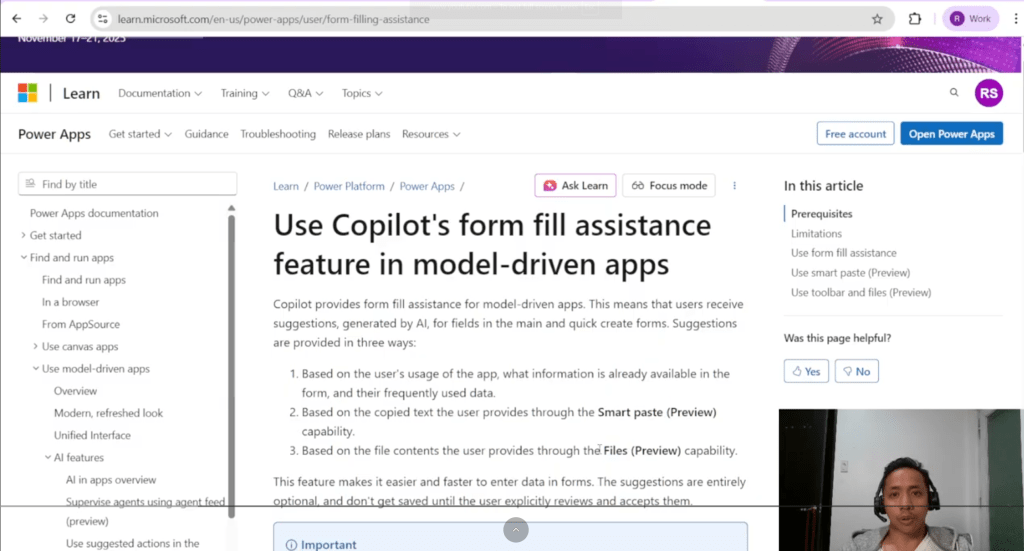
Unlock faster, smarter form filling in Power Apps. In today’s fast-moving digital workplace, speed, accuracy, and usability are crucial.Data entry remains one of the most time-consuming tasks across enterprise systems — especially within Microsoft Dynamics 365 and model-driven Power Apps. Microsoft’s new Copilot Form-Filling Assistance aims to change that by leveraging AI to suggest form…
-
VLOG: Microsoft Digital Contact Center – Agent Experience Demo
In this video, we will demonstrate the agent experience in using the Microsoft Digital Contact Center Platform from Dynamics 365 Customer Service. Using the WhatsApp channel, we also demonstrated some of the agent features available in the platform
-
Microsoft Digital Contact Center – WhatsApp channel setup

When I was setting up WhatsApp channel for Microsoft Digital Contact Center Platform (DCCP), it took me a while to figure things out. So I wrote this blog to contribute Microsoft Digital Contact Center Platform (DCCP) community in setting up WhatsApp channel as a communication stream to Dynamics 365 Customer Service Enterprise. In this blog…
-
Microsoft Digital Contact Center Platform – Voice channel Start-up Guide (setup and testing)

In this blog, we will walk you through setting up and testing an Omnichannel voice using Dynamics 365 Customer Service. This will enable you to see how easy it is to enable the Microsoft Digital Contact Center Platform solution into your existing Dynamics 365 Customer Service Enterprise product. This is just an initial setup. This…
-
Fluent UI Layout System in React
There seems to be very little of no documentation on how to implement Fluent-UI’s Layout system in React application – which the official documentation seems to be lacking in here. And it took me a while to figure this out. Below is a code that I have tried. Ensure that you import the CSS and…
-
Git Flow for VS
I’ve always struggle to standardize a source control process in a project. Thus, I took the PluralSight course Continuous Delivery and DevOps with Azure DevOps: Source Control with Git. Apart from learning a standard base process – I came across GitFlow for Visual Studio 2019. This plugin will help you implement a standard branching and…
-
Magnetism – Alert.js
Introduction One of the many challenges of a Dynamics 365 Developer is how to consistently present an information to Dynamics 365 users. At the moment, there are three ways for it: (1) JavaScript alert, (2) Xrm Form Notification, and (3) pop-up of custom web resource. But the three above is either, has an impact to…
-
Getting Dynamics 365 GUID
Yesterday, while configuring a Unified Service Desk to automatically display a dashboard, I need to obtain the Dashboard GUID. The first option was to ‘manually’ analyze the values in the Query String. But this option is prone to error. Developers may copy less or more than the GUID because of the URL encoding. To minimize…
-
Sonoma Partners’ CRM Dev Tool
“Sonoma Partners is a Dynamics CRM DevTool extension to Google Chrome which provides a variety of tools to help optimize customizing and troubleshooting within Dynamics CRM” This is one of my favorite tool and I’ll tell you why. Handy – This is an extension to Google Chrome. Meaning, I can easily download and use this…
-
Workflow updating the Status Reason field
One of my design was executed today. However, we discovered a limitation and ended changing the approach. We just learned that, “via workflow, when updating a record, we cannot use (or update) the Status Reason field.” So instead of a workflow, we just created a plugin.
 Power Platform Iter