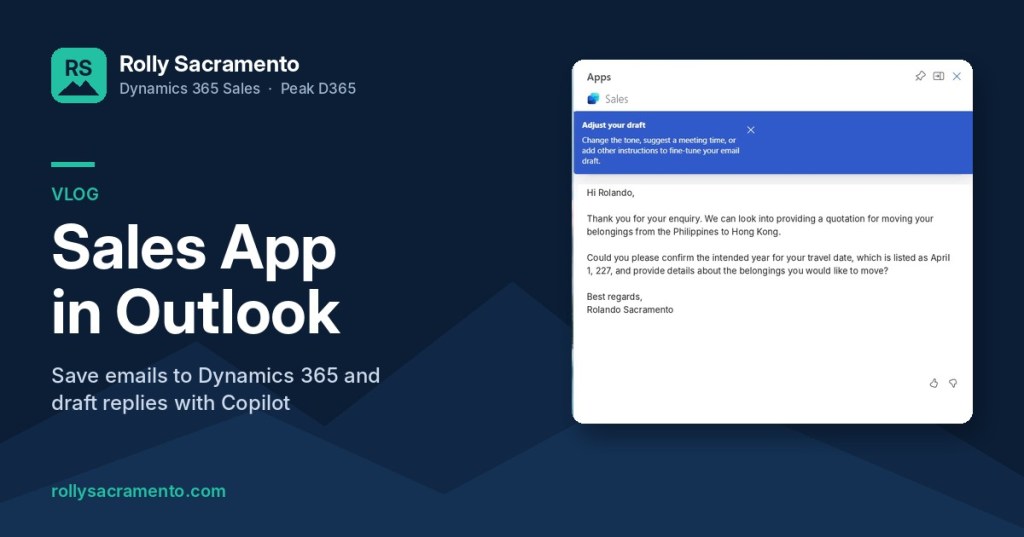
Most sellers live in their inbox, not in the CRM. The Sales app in Outlook closes that gap: you can save an email to Dynamics 365, get an AI summary from Copilot, draft a reply, and open the related record, all from the side panel in Outlook. In this short vlog I walk through each feature using a real customer enquiry.
What you will see in the video
- Save the email to Dynamics 365. Open an email, click Apps > Sales, and save it. The app already recognises existing contacts, and you can pick the related record before saving.
- Check that it landed in the CRM. The email shows up on the contact’s timeline in Dynamics 365 Sales.
- Key email info from Copilot. Copilot summarises the email in a few bullet points so you get the gist at a glance.
- Share to Teams. If you sell as part of a team, share the summary to a colleague or channel in Microsoft Teams.
- Save the summary to a record. Store the AI summary as a note on the record’s timeline in Dynamics 365.
- Draft an email with Copilot. Choose a reply type (reply to an inquiry, make a proposal or address a concern) and Copilot drafts the response using the context it already has.
- Adjust the draft. Change the length and tone, suggest a meeting time, or add your own instructions before adding it to the email.
- Fix the association. Linked the email to the wrong record? Update it from the panel, or use quick create to add a new record and associate it.
- Jump to the record. Use the ellipsis (“meatball”) menu to copy a link or open the email or contact directly in Dynamics 365.
Before you start
Saving emails works once your mailbox is connected to Dynamics 365. The Copilot features (summaries and drafted replies) need the user to have a Copilot license for Dynamics 365 Sales.
Why it matters for sellers
Every enquiry that stays only in someone’s inbox is invisible to the rest of the team. With the Sales app, logging the email takes a click, and Copilot handles the first draft of the reply. Sellers spend less time on admin and respond to leads faster, which makes them more productive.
Want help rolling out Dynamics 365 Sales and Copilot for your team? Get in touch with us at Peak D365.


Leave a Reply